

Google Play Games is a dedicated hub for Android gamers, transforming your device into a more powerful and connected gaming console. This official app from Google goes beyond a simple game launcher by integrating key services to enhance your play. It is designed for any Android user who enjoys mobile gaming and wants to track progress, connect with friends, and discover new titles in a streamlined environment.
Centralized Gaming Profile and Stats
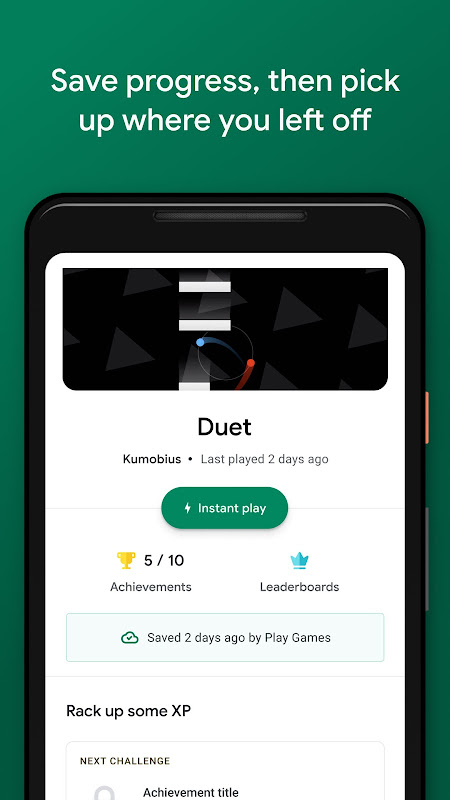
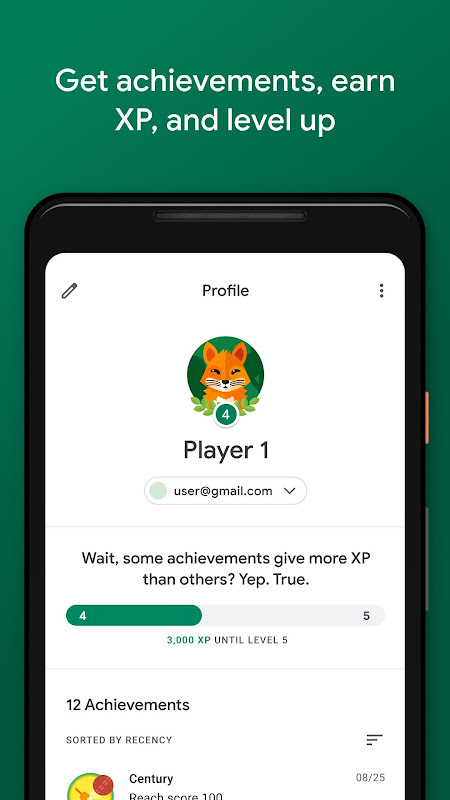
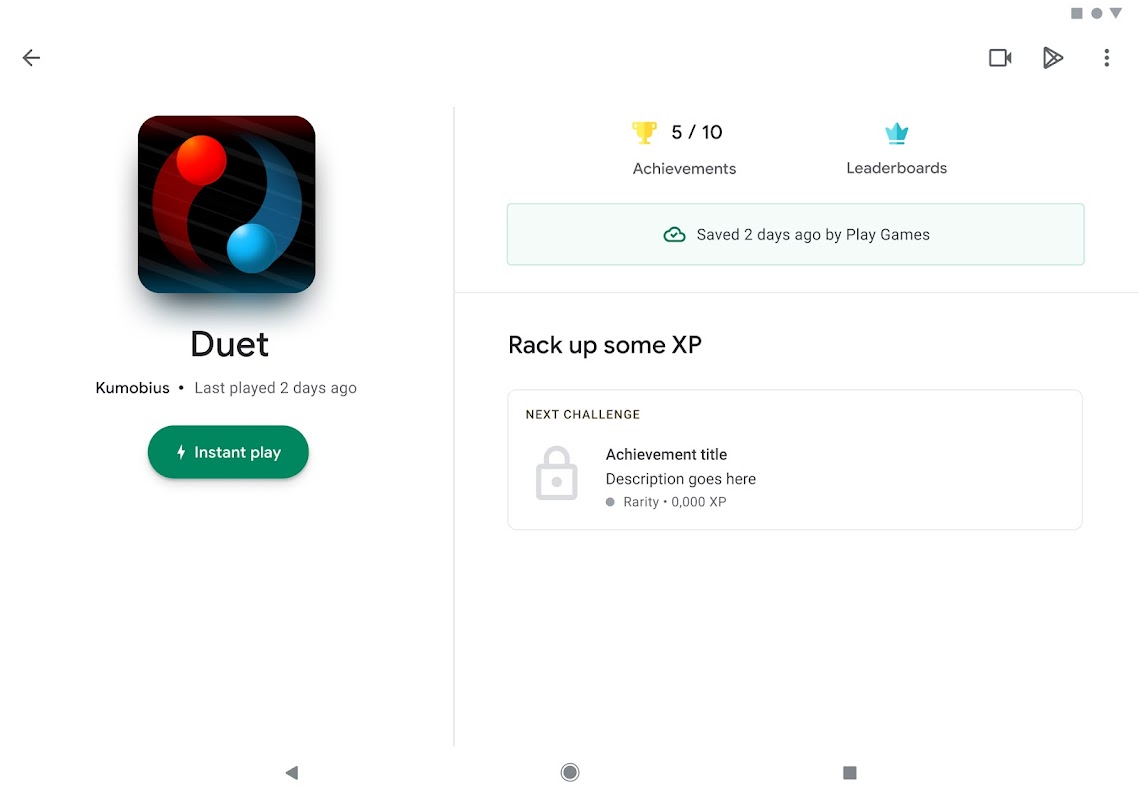
The app creates a unified gaming profile that serves as your identity across supported titles. It automatically tracks achievements, records high scores, and monitors your in-game progress from a single dashboard. This eliminates the need to check stats within each individual game, giving you a clear overview of your gaming accomplishments and history all in one place.
Seamless Multiplayer and Social Features
Connecting with friends for competition or cooperation is simplified. You can see which games your contacts are playing, compare leaderboards, and send or accept invites directly. The service provides reliable infrastructure for multiplayer sessions, making it easier to start a real-time match or challenge a friend to beat your high score without leaving the game.
Performance Enhancements and Controls
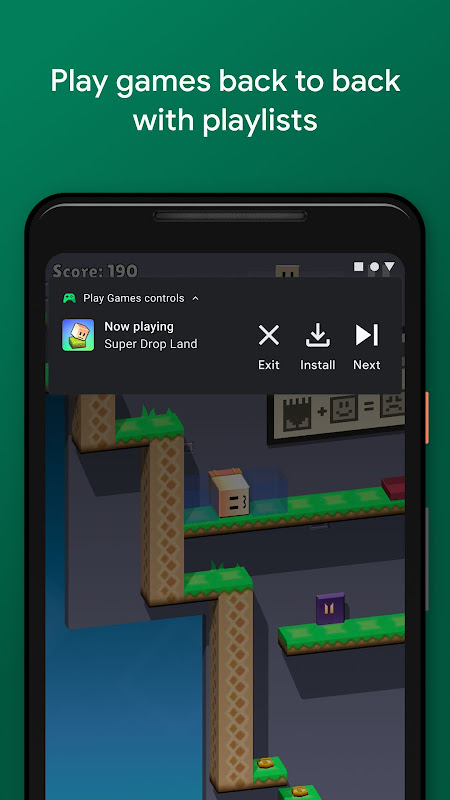
For compatible devices, Google Play Games offers tools to elevate the gaming experience. This includes optional performance modes that can help games run more smoothly. A notable feature for some users is the ability to map on-screen touch controls to a connected physical controller or keyboard and mouse, providing greater precision for certain game genres.
Curated Game Discovery and Updates
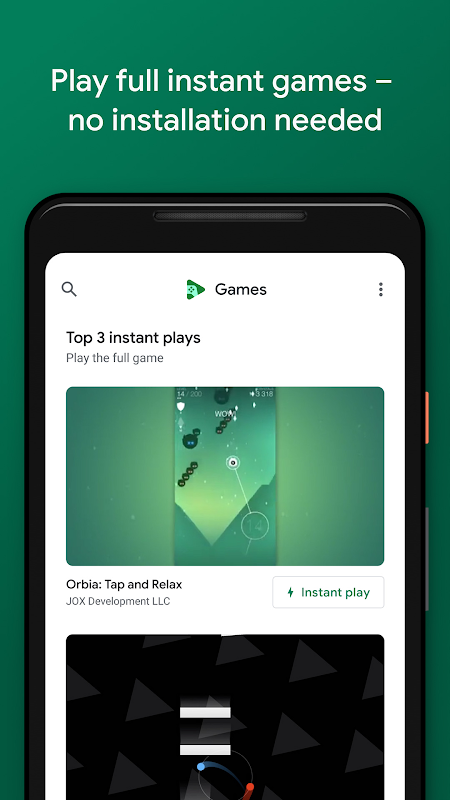
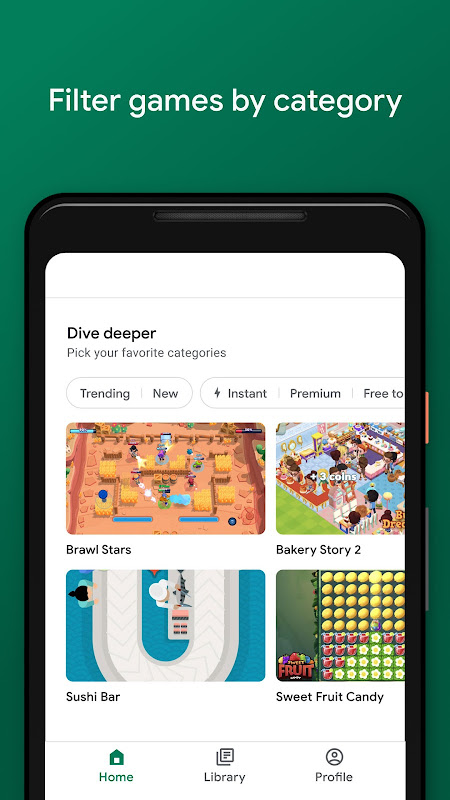
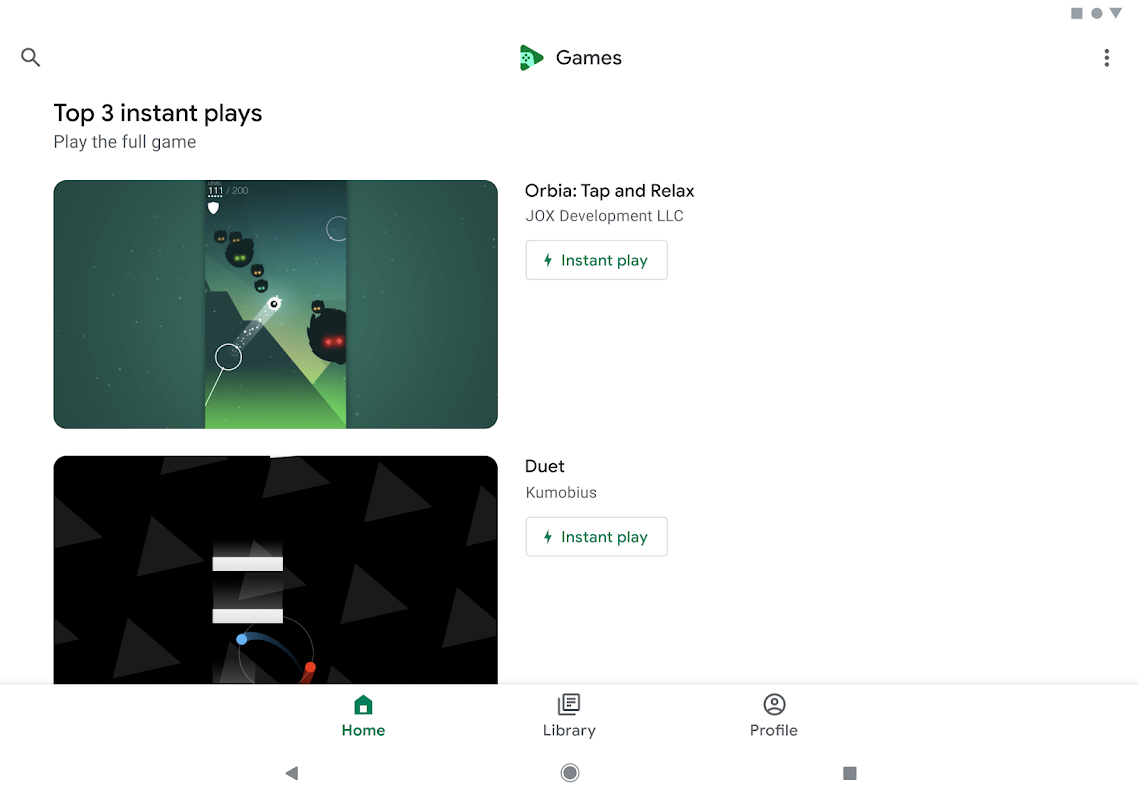
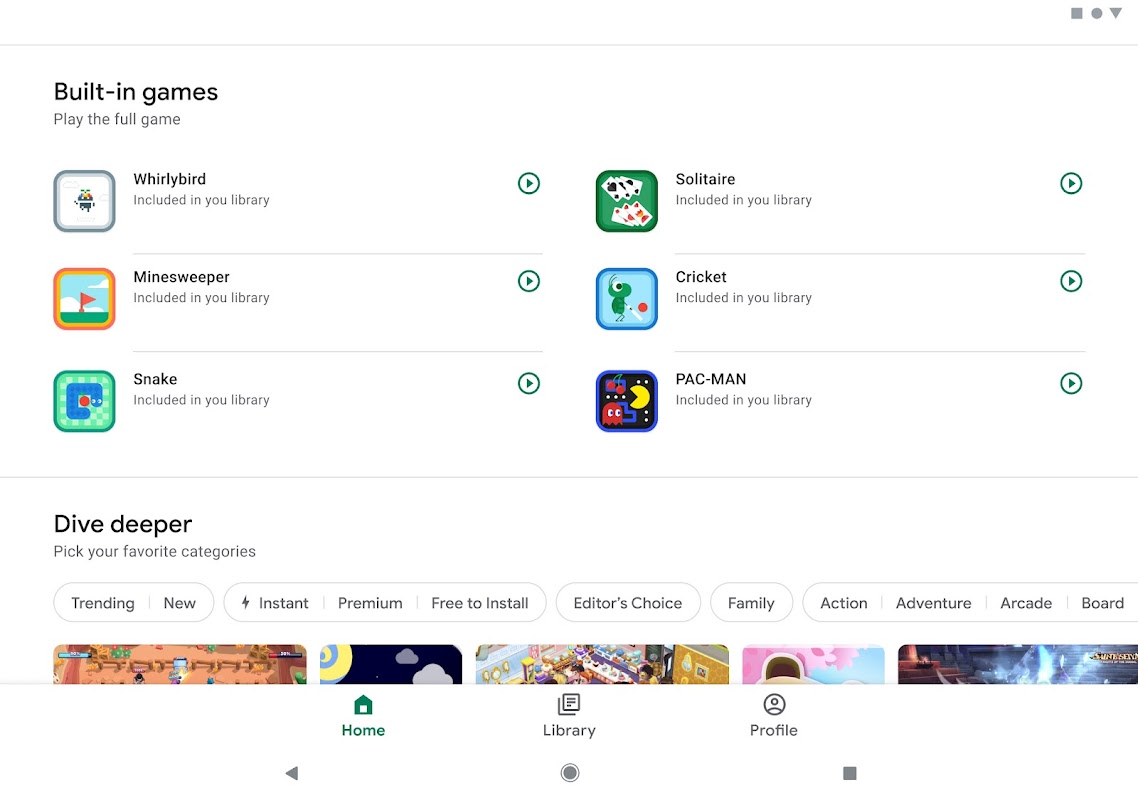
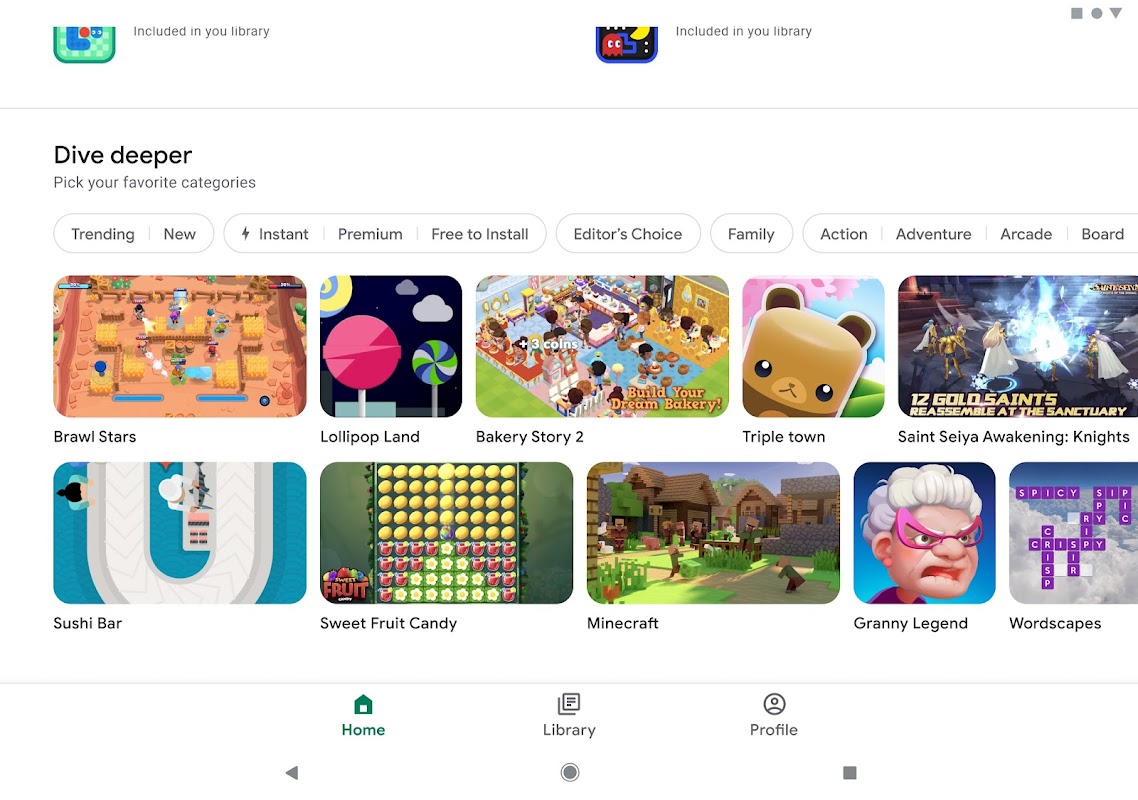
Finding your next favorite game is made easier with personalized recommendations based on your play history. The hub highlights new releases, popular titles, and curated collections. It also provides a centralized location to manage updates for your installed games, ensuring you always have the latest versions with new content and bug fixes.
Secure Cloud Saves and Sync
Your game progress is securely saved to the cloud and synchronized across your Android devices. This means you can start a game on your phone and later continue from the exact same point on your tablet. The process is automatic for supported games, safeguarding your hours of gameplay against data loss if you change or reset your device.
Frequently Asked Questions
Its primary purpose is to enhance the Android gaming experience by providing a central profile for achievements and stats, enabling social features like friend leaderboards, and offering tools for game discovery and progress backup across devices.
No, it is not mandatory for playing games. It is an optional service that adds social, tracking, and syncing features to games that have integrated support for the Google Play Games services.
Yes, your gameplay data, including achievements and saved progress, is stored in your secure Google Account. You have control over your gaming profile’s visibility and what information is shared on leaderboards with friends.